Diagram and flowchart app for iPad and Apple Pencil
Draw a box, a diamond or an arrow with Apple Pencil, just as you would on paper, and Lekh turns it into a clean diagram shape. Flowcharts, network diagrams, UML, wireframes and mind maps take minutes on an iPad, and the same boards open on your Mac, iPhone, Android phone and in the browser.



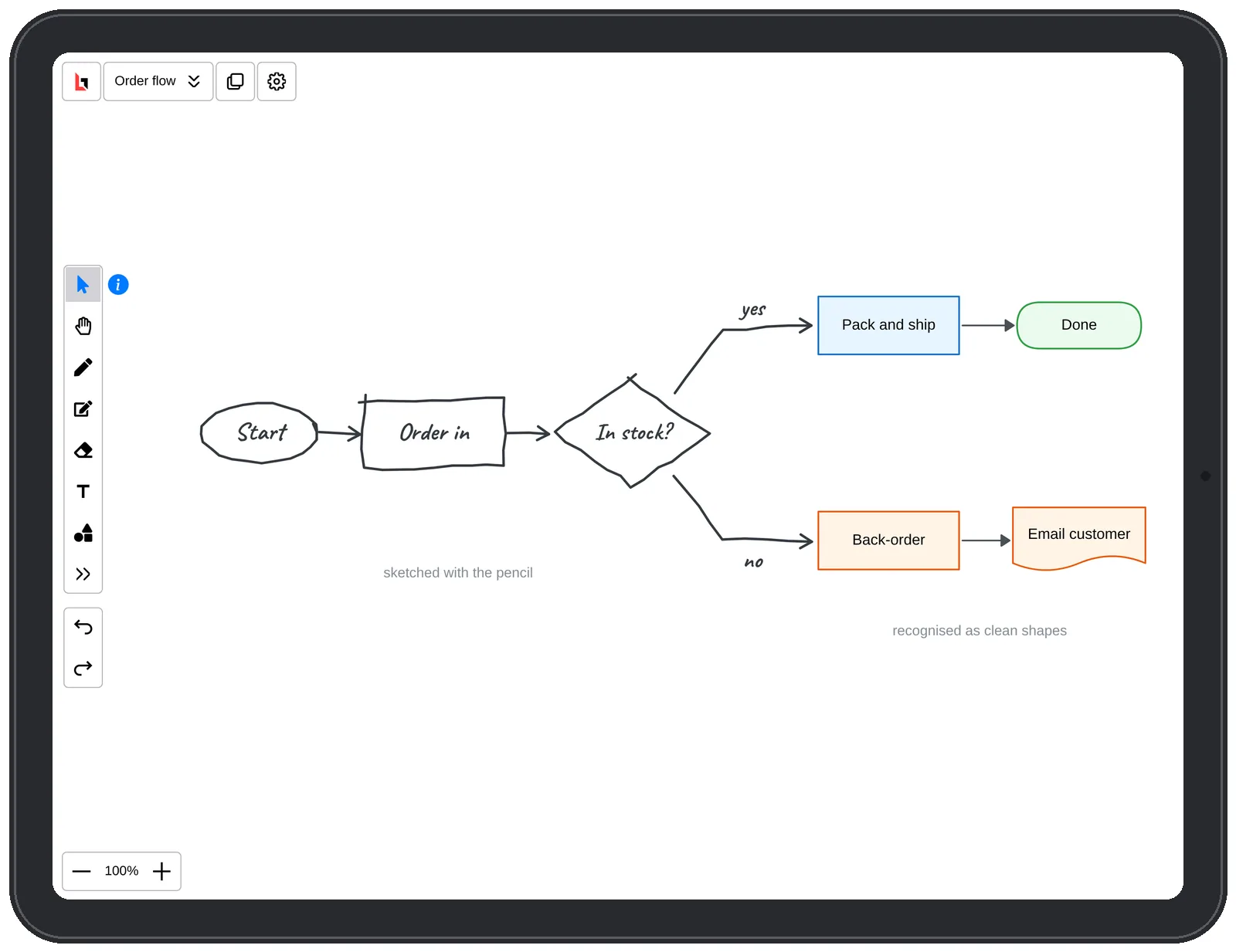
How to draw a diagram on iPad in Lekh
1.Sketch with Apple Pencil. Draw boxes, circles, diamonds and arrows; Lekh recognises them as you go.
2.Connect and label. Draw lines between shapes to connect them, and add text anywhere.
3.Use the shape library for flowchart, network, BPMN, UML and wireframe shapes when you need something specific.
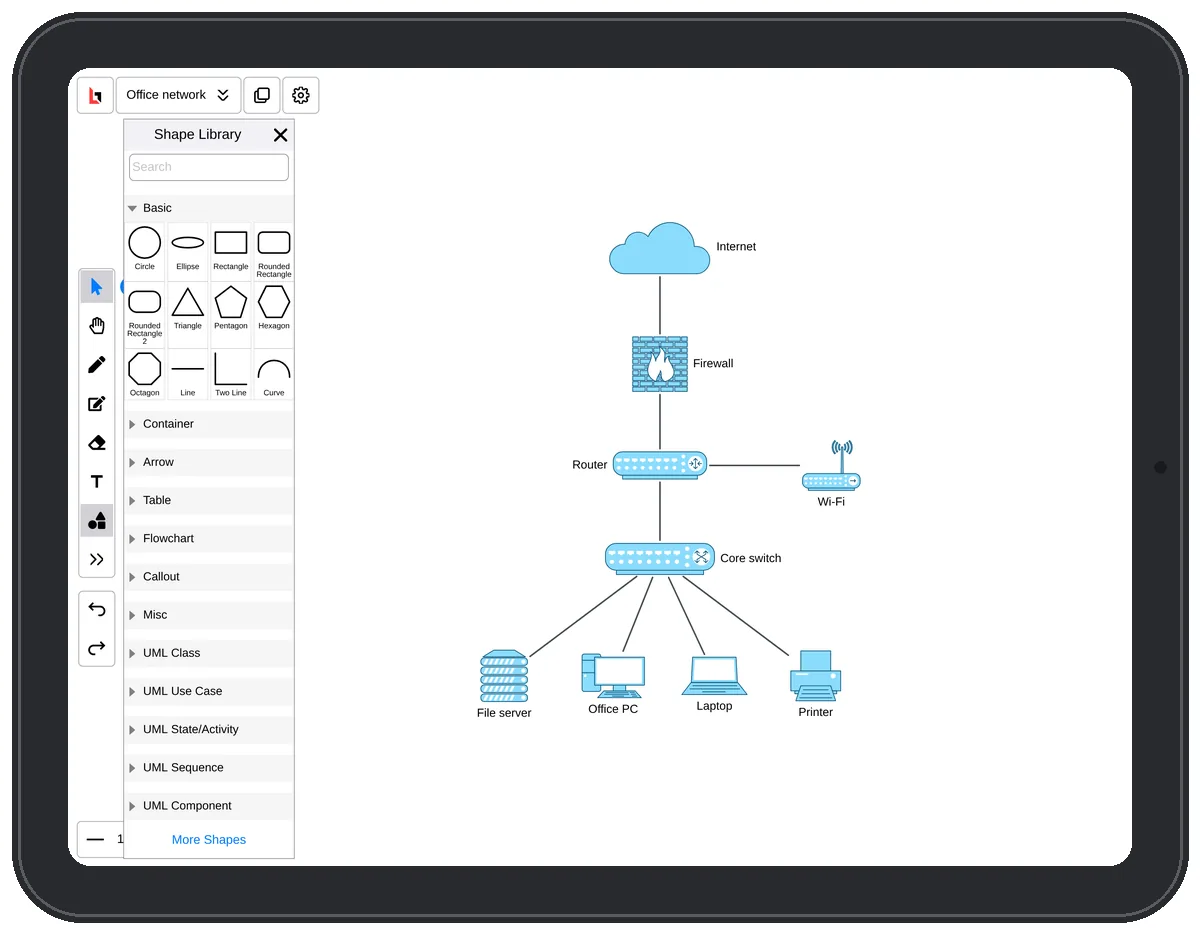
4.Export or share: PDF, PNG or SVG, or share a cloud board and work on it together in real time.
Why Lekh on iPad
- Pencil and finger, each with its own job: turn on "Draw with pencil and scroll with finger touch" in settings.
- Smart shape recognition for diagrams and flowcharts.
- Works offline; cloud boards sync with iPhone, Mac, Android and the web.
- Free to start: unlimited boards on your iPad and 3 cloud boards.
Draw any diagram with ChatGPT or Claude
Ask your assistant and get a real, editable Lekh board, not a picture.
“Draw our services: web app, API, Postgres, Redis, and the queue between the API and the workers.”
“Show the OAuth handshake between the browser, our API and the identity provider.”
Free on every Lekh plan.
Questions
Does Lekh work with Apple Pencil?
Yes. Sketch with Apple Pencil and Lekh turns your strokes into clean shapes. In settings you can choose to draw with the pencil and scroll with your finger.
Is there a free flowchart app for iPad?
Lekh is free on iPad, with unlimited boards on your device and 3 cloud boards. The Individual plan ($3.99 a month or $34.99 a year) adds unlimited cloud boards and custom shape libraries.
Can I use the same boards on my Mac?
Yes. Cloud boards sync across iPad, iPhone, Mac, Android and the web.