Fence layout app: sketch fence plans with posts, gates and lengths
Sketch the fence the way you would on paper: the runs along the property line, the posts, the gates. Lekh straightens your lines and cleans up the shapes. Trace over a screenshot of the yard if you like, turn on scaling to draw to scale, write each length on, and send the customer a tidy PDF.



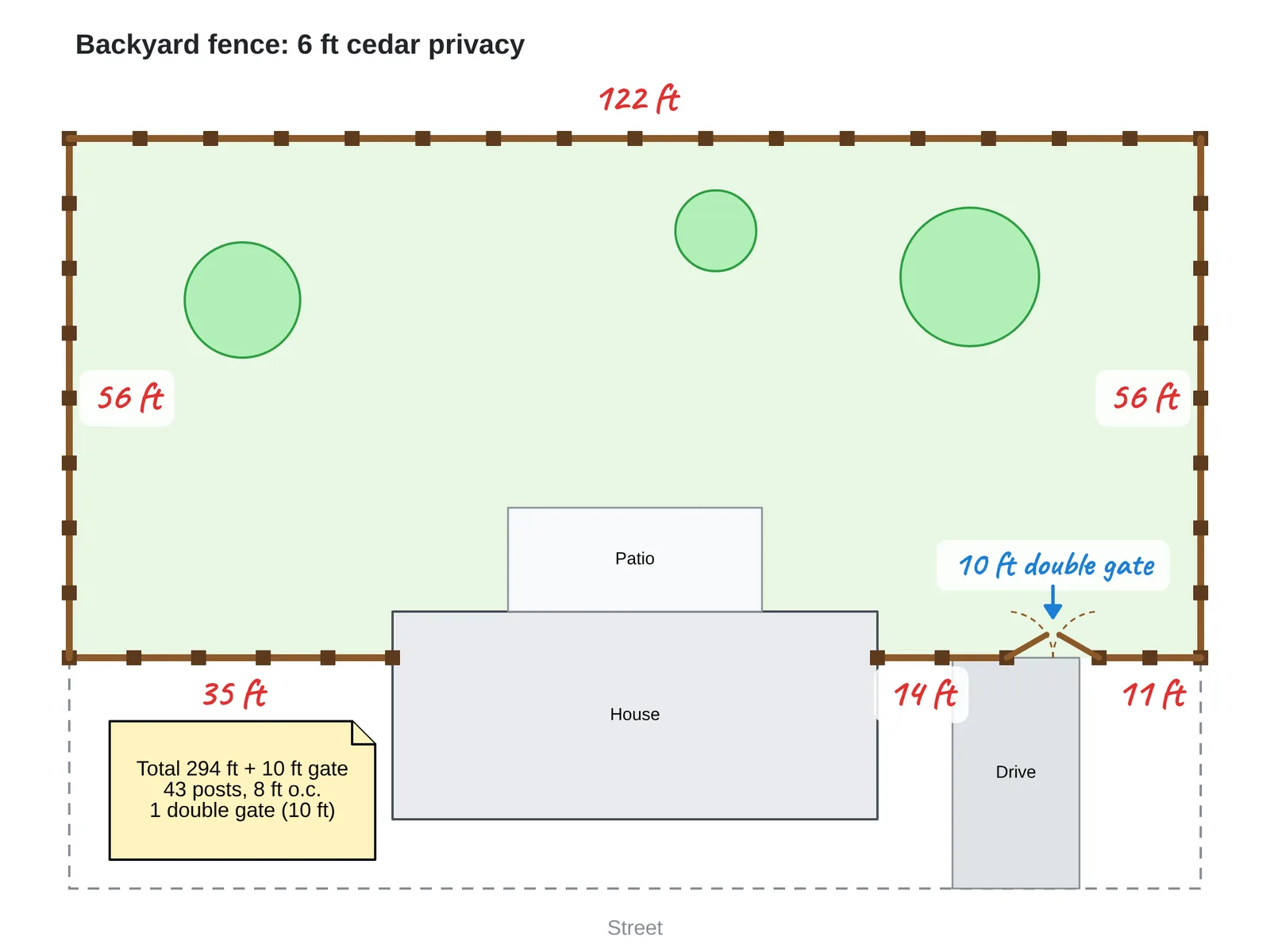
How to sketch a fence layout in Lekh
1.Set the scale, if you want one. In the board settings, turn on scaling and choose inches or cm. Shape sizes then show in those units. Or skip it and sketch freely.
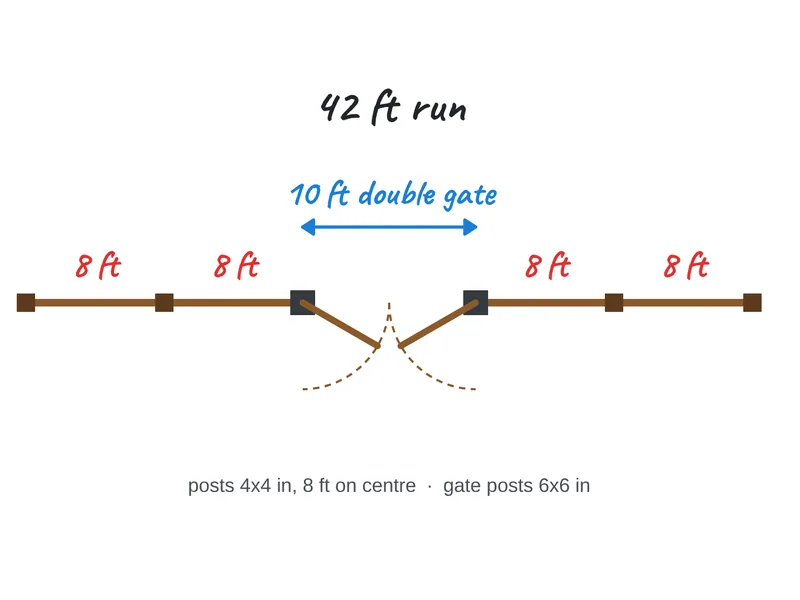
2.Draw the runs. Sketch each fence run as a line; Lekh straightens it. Add posts and gates as small shapes along the run.
3.Use the yard as a guide. Import a satellite or site screenshot and trace the fence over it.
4.Write the lengths and send it. Add each run's length and notes as text, then export a PDF for the quote.
Why Lekh for fence layouts
- On the phone or tablet you already carry: Android, iPhone, iPad, plus Mac and the web.
- Works offline in the yard; cloud boards sync when you're back online.
- Draw to scale in inches or cm with board scaling.
- Reuse your post and gate shapes: save them to a custom shape library on the Individual plan.
- Export a PDF or PNG for the customer or the crew.
Questions
Can I draw a fence plan to scale?
Yes. Turn on scaling in the board settings and pick inches or cm. Shape sizes and positions then show in those units, and you can type an exact size for a shape.
Can I draw over a satellite photo of the yard?
Yes. Import a screenshot of the property and draw the fence on top of it. Write each run's length as you measured it on site.
Is there a free fence design app for Android?
Lekh is free on Android, with unlimited boards on your device and 3 cloud boards. The Individual plan ($3.99 a month or $34.99 a year) adds unlimited cloud boards and custom shape libraries.