Lekh - Flowchart app for iPhone, iPad, Android, Mac & Web
Create flowcharts with the ease of drawing on paper. Simply sketch on your touch screens—whether it’s a phone, tablet, or touchscreen laptop—and Lekh will handle the rest. Your rough sketches are instantly transformed into high-quality diagrams.



Check our demo video
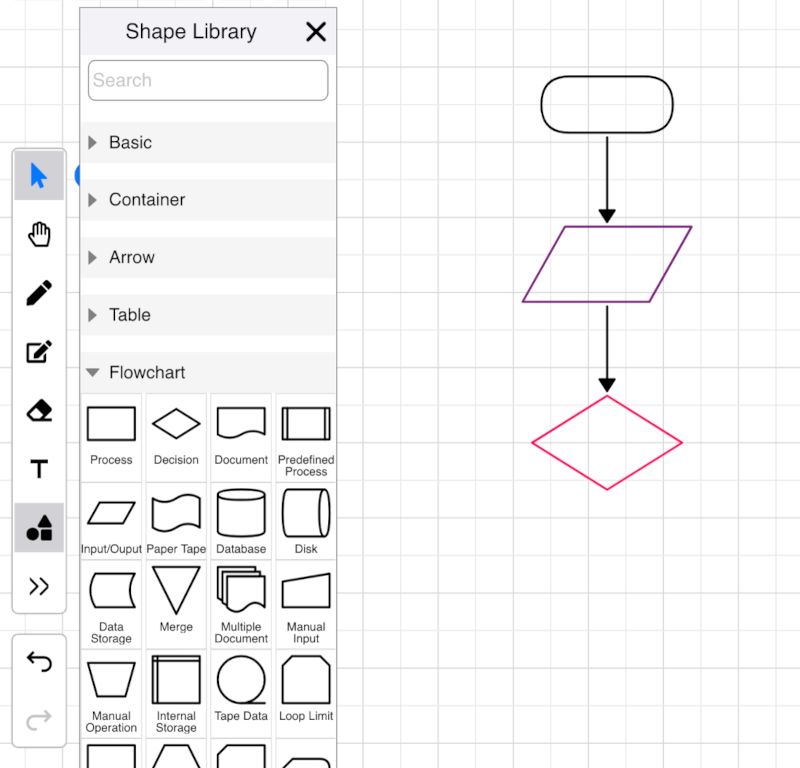
Intuitive flowchart maker
Lekh is more than just a tool; it's a platform that empowers you to bring your ideas to life quickly and effectively. Here’s why Lekh stands out as the ideal flowchart maker
- Intuitive Interface: Lekh’s user-friendly interface ensures that even beginners can start creating flowcharts without a steep learning curve.
- Smart Sketching: Lekh’s smart sketching feature lets you draw shapes and connectors naturally on a touchscreen device.
- Extensive Shape Library: Lekh offers a comprehensive library of shapes and symbols that cater to all your flowcharting needs.
- Infinite Canvas: Unlike traditional tools with limited workspaces, Lekh provides options for infinite and fixed size canvas both.
Collaborative flowchart maker
Whether you are creating a flowchart on your own or collaborating with your team, Lekh is the perfect flowchart maker for you.
- Cross-Platform Compatibility: Whether you are using an iPhone, iPad, Android device, or your web browser, Lekh is accessible across multiple platforms.
- Real-Time Collaboration: Lekh supports real-time collaboration, allowing multiple users to work on the same flowchart simultaneously. This feature is invaluable for teams working remotely or in different locations, ensuring that everyone is on the same page.
- Offline Functionality: Even without an internet connection, you can continue to create and edit your flowcharts. Lekh saves your work locally, syncing your progress to the cloud once you are back online.
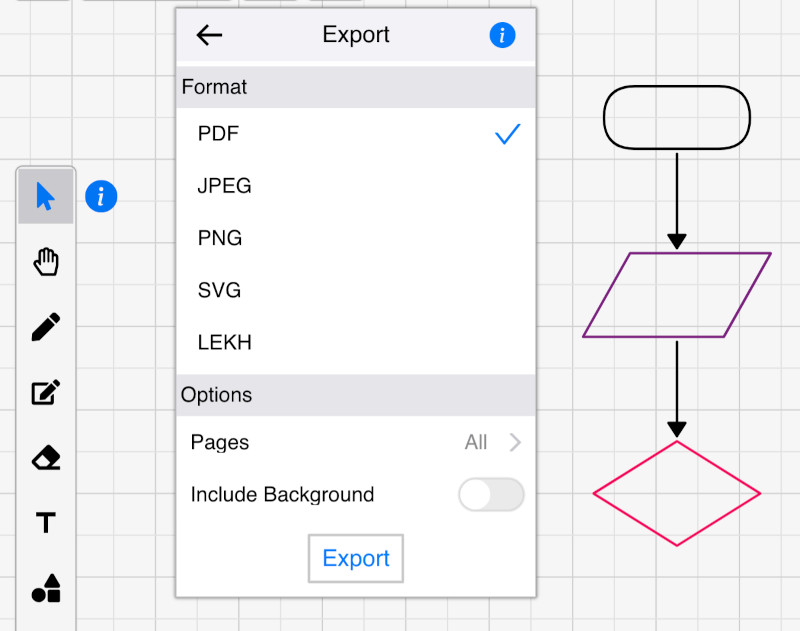
- Export formats: Export to various formats - PDF, PNG, JPG, SVG and LEKH
Draw a flowchart with ChatGPT or Claude
Ask your assistant and get a real, editable Lekh board, not a picture.
“Draw our signup flow as a flowchart, with a branch for a failed payment.”
“Turn this onboarding checklist into a swimlane diagram with Sales, Legal and IT.”
Free on every Lekh plan.
Questions about the flowchart app
Is the flowchart app free?
Yes. You can make unlimited flowcharts on your device, and keep 3 boards in the cloud for free. The Individual plan ($3.99 a month or $34.99 a year) adds unlimited cloud boards.
Does it work offline?
Yes. The Android, iPhone, iPad and Mac apps work without a connection, and boards on your device never need one. Cloud boards sync when you are back online.
Can I draw the flowchart by hand?
Yes. Sketch boxes, diamonds and arrows with your finger, an Apple Pencil, a stylus or a mouse, and Lekh turns them into clean flowchart shapes. You can also drag shapes from the flowchart library.
Can ChatGPT or Claude draw a flowchart in Lekh?
Yes. Connect Lekh to Claude or ChatGPT and ask it to draw or change a flowchart. You get a real Lekh board you can keep editing by hand.